Flat Earth Sun/Moon Clock6
Publisher Description
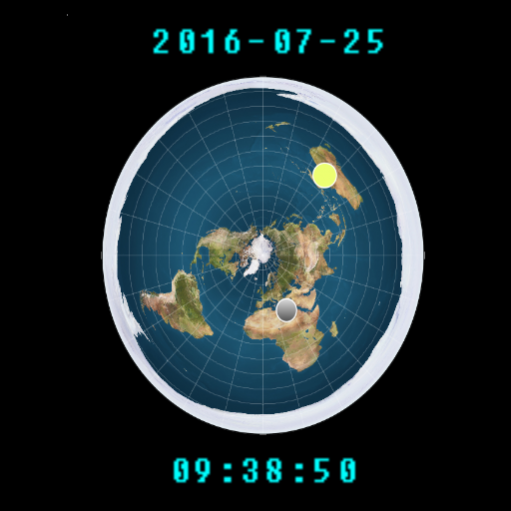
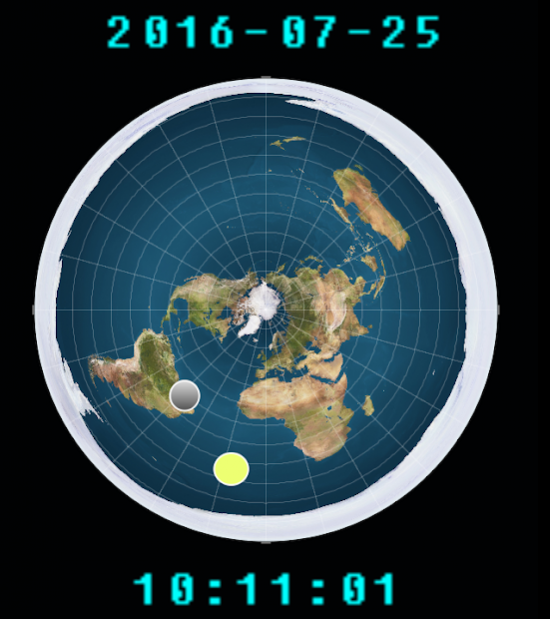
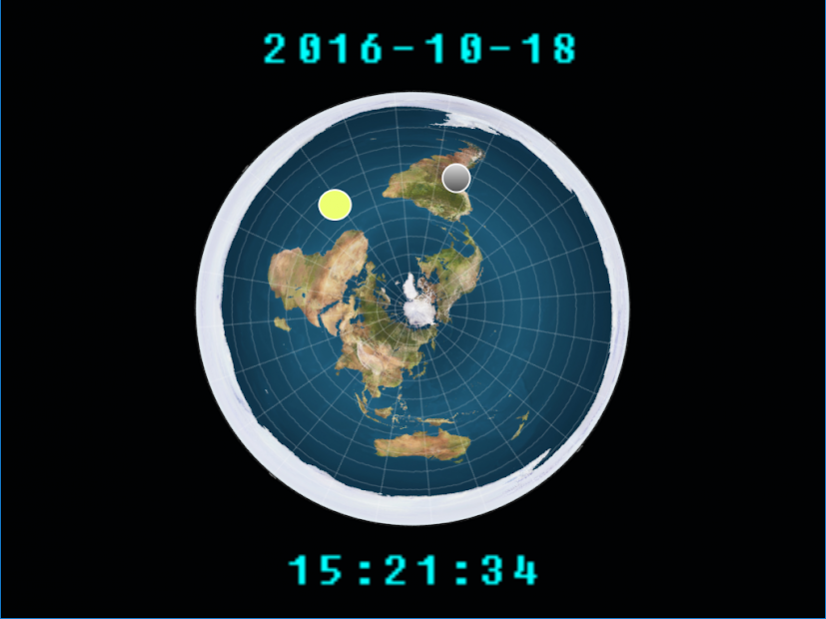
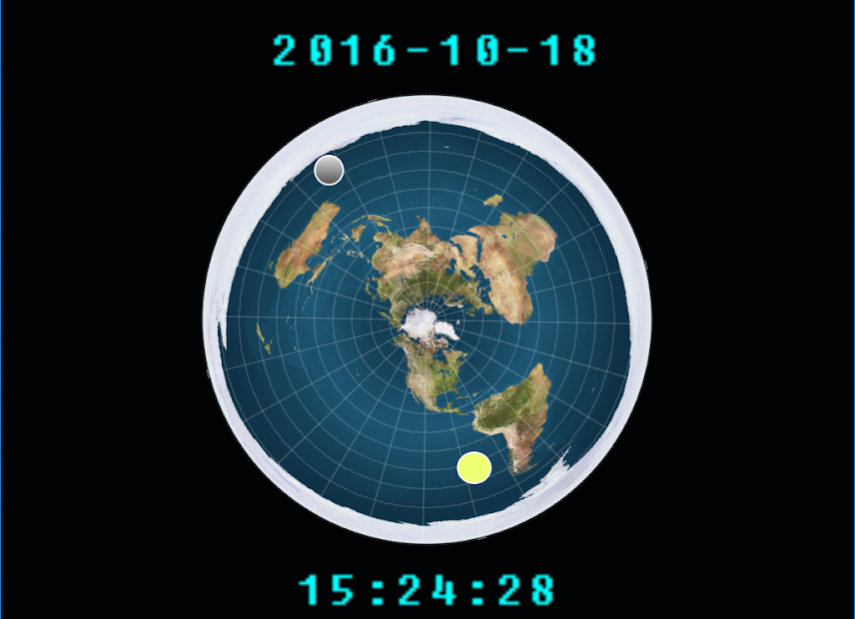
This is the Flat Earth Digital Clock App!
Support Flat Earth by proudly running and showing this app to family and friends.
***ONLY DOWNLOAD FROM THE GOOGLE PLAY STORE***
It's a great ice breaker to the subject of Flat Earth.
This app shows a widely accepted map of the Flat Earth with the surrounding ice wall.
This app helps explain the movement of the sun and the moon over the plane.
Enjoy and help spread the word!
About Flat Earth Sun/Moon Clock
The company that develops Flat Earth Sun/Moon Clock is A better golfer. The latest version released by its developer is 6. This app was rated by 3 users of our site and has an average rating of 0.8.
To install Flat Earth Sun/Moon Clock on your Android device, just click the green Continue To App button above to start the installation process. The app is listed on our website since 2020-01-24 and was downloaded 698 times. We have already checked if the download link is safe, however for your own protection we recommend that you scan the downloaded app with your antivirus. Your antivirus may detect the Flat Earth Sun/Moon Clock as malware as malware if the download link to flat.earth.digital.clock is broken.
How to install Flat Earth Sun/Moon Clock on your Android device:
- Click on the Continue To App button on our website. This will redirect you to Google Play.
- Once the Flat Earth Sun/Moon Clock is shown in the Google Play listing of your Android device, you can start its download and installation. Tap on the Install button located below the search bar and to the right of the app icon.
- A pop-up window with the permissions required by Flat Earth Sun/Moon Clock will be shown. Click on Accept to continue the process.
- Flat Earth Sun/Moon Clock will be downloaded onto your device, displaying a progress. Once the download completes, the installation will start and you'll get a notification after the installation is finished.
Program Details
System requirements
Download information
Pricing
Version History
version 6
posted on 2020-01-24
Updated as per Google Playstore version requirements
version 5
posted on 2019-08-05
Updated user interface to swipe for Earth's plane rotation
Added 2 new date formats (you may need to change the permission to allow saving of the date format you prefer)
Updated time and date display fonts
Updated to latest Google PlayStore API
version 4
posted on 2016-10-18
Ability to touch the earth and spin it into the position you want to see it.
